Text to Image

No Images Generated
What is Text to Image?
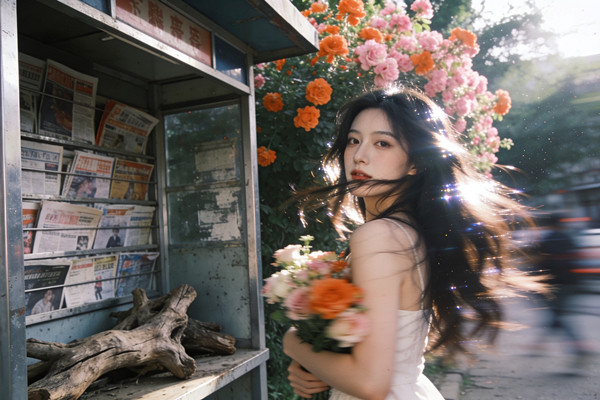
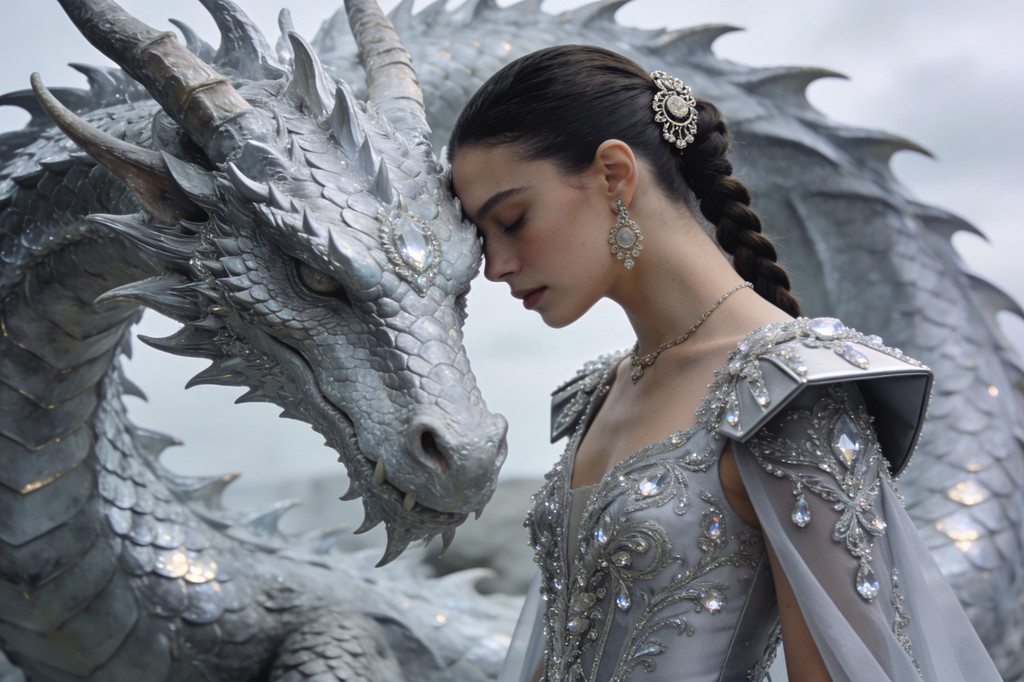
Text to image turns a written description into a finished picture. On SeedDream you choose from leading image models in one place, so you can match the model to the job: fast drafts, photorealistic product shots, posters with readable text or stylized art.
Leading models in one place
Switch between Seedream 5.0 Flash and Pro, Seedream 4.5, Nano Banana and GPT Image without changing tools or accounts.
Readable text and layouts
Models like Seedream 5.0 Pro and GPT Image render titles, labels and poster layouts clearly, so designs need less cleanup.
Control size and quality
Set the aspect ratio, resolution and output format before you generate, and see the credit cost up front.
How to Generate an Image from Text
Four steps from idea to image:
Choose a model
Pick a model for the job. Seedream 5.0 Flash is a fast, affordable default.
Describe the image
Write the subject, setting, style, lighting and mood. Specific prompts give better results.
Set the format
Choose the aspect ratio, quality and file format that fit where the image will be used.
Generate and download
Generate, compare the results, then download or keep refining your prompt.
Text to Image FAQ
Turn Your Next Idea into an Image
Write a prompt, pick a model and generate. You only spend credits on what you create.